
Why Your Website Is Slow (And How Core Web Vitals Affect Sales & Rankings)
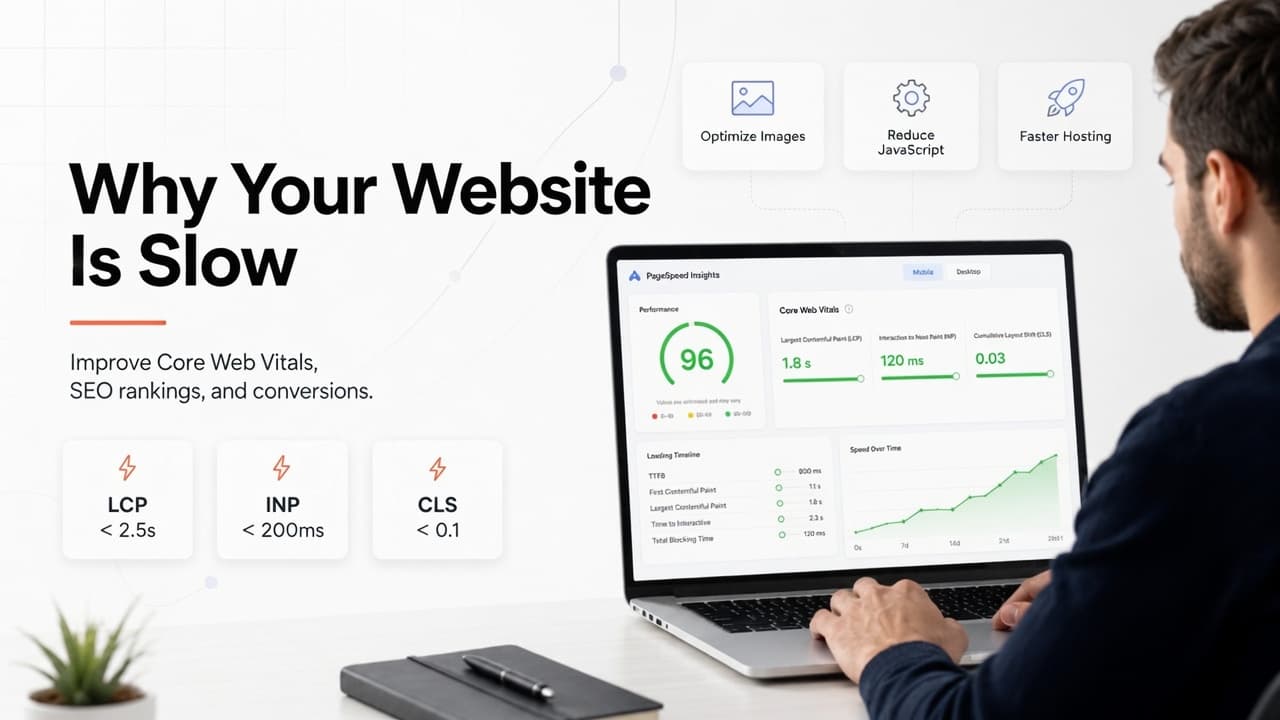
Why Your Website Is Slow (And How Core Web Vitals Affect Sales & Rankings)
Think about the last time you clicked a link and the page just... sat there. Blank screen, maybe a spinner, five seconds that feel like twenty. Most people don't wait it out. They hit back and click the next result instead, usually without even registering the decision as a decision.
Your visitors do the same thing on your website. The difference is you don't get to see it happen, no error message, no complaint, just a slightly higher bounce rate that's easy to miss unless you're actually looking for it.
Speed isn't a technical detail anymore. It's a business advantage, and it's one Google actively measures through a set of metrics called Core Web Vitals. If you've ever typed "how to speed up my website" into a search bar at 11 pm out of frustration, this is the explanation that's usually missing from the quick-fix articles: what these metrics actually measure, why they matter beyond SEO, and where the biggest wins tend to be hiding.
What Core Web Vitals Actually Measure
Core Web Vitals are Google's attempt to quantify something that used to be purely subjective: what it actually feels like to use your website, not just how fast a server technically responds. Instead of a single loading-time number, Google looks at three separate signals that together describe the real experience of visiting a page.
Largest Contentful Paint (LCP)
This measures how quickly the main content of a page actually becomes visible, the hero image, the headline, whatever the visitor is there to see. Google's target is under 2.5 seconds. If your hero banner or primary content takes its time loading, this is the score that takes the hit, and it's usually the first thing visitors consciously notice, even if they couldn't name what's wrong.
Interaction to Next Paint (INP)
This one measures responsiveness, how quickly the page reacts once someone actually clicks, taps, or types something. The target is under 200 milliseconds, and when this number climbs, it's almost always because of heavy or poorly optimized JavaScript getting in the way between the click and the response. It's the difference between a site that feels snappy and one that feels like it's thinking about your request.
Cumulative Layout Shift (CLS)
This is the one everyone's experienced without knowing its name: you're about to tap a button, and the page suddenly jumps because an image or ad has finally loaded, and now you're tapping something else entirely. Google wants this under 0.1. A stable layout while the page loads makes an enormous difference to how trustworthy and polished a site feels, even though it has nothing to do with raw speed.
Why This Matters Beyond SEO
It's easy to file Core Web Vitals under "technical SEO thing the developer handles" and move on. That undersells it considerably. These metrics correlate directly with things that actually affect revenue, bounce rate, time on site, form completion, and ultimately whether someone trusts the business enough to buy from it.
A page that loads fast and behaves predictably makes it easier for a visitor to browse, read, and actually complete an action, whether that's filling out a contact form or finishing a checkout. Put simply: better performance tends to produce better business outcomes, not just better crawl stats.
How to Actually Check Where You Stand
The easiest starting point is Google PageSpeed Insights, free, and it gives you Core Web Vitals scores for both mobile and desktop, along with specific performance opportunities rather than just a single number.
That single number is worth ignoring, honestly. Chasing a perfect 100 score rarely matches how much time it takes to get there, and the return on those last few points is usually minimal. What's actually useful is the list of specific issues the tool flags; those tend to point directly at the two or three fixes that will move the needle the most.
The Usual Suspects Behind a Slow Website
1. Oversized images
This is, by a wide margin, the most common cause of a slow site. A photo straight off a modern camera or phone can easily be several megabytes, and uploading it directly means every single visitor downloads all of that data just to see a banner image.
Fix: compress images before they go anywhere near the site, switch to modern formats like WebP or AVIF, resize images to the dimensions they're actually displayed at (not just however large the original file happened to be), and lazy-load anything below the fold so it doesn't compete with what visitors see first.
2. Too much JavaScript
Between animations, chat widgets, tracking pixels, and plugin after plugin, most sites accumulate far more JavaScript than they actually need over time, often without anyone deciding that on purpose.
Fix: remove scripts that aren't earning their keep, load third-party tools only when they're actually needed rather than on every page, delay anything non-essential until after the main content has rendered, and minify what's left. Less code running in the background generally means a noticeably snappier feel.
3. Cheap or overloaded hosting
Even a beautifully optimized website will feel sluggish if it's sitting on shared hosting that's straining under more traffic than it was built to handle. This is one of those problems that no amount of front-end optimization will fix, because the bottleneck is somewhere else entirely.
Fix: look for hosting with fast SSD storage, modern server infrastructure, built-in CDN support, and automatic caching. Hosting is the foundation everything else sits on; it's worth treating as an investment, not the place to cut costs.
4. Too many fonts
Every additional font family and weight is another file the browser has to fetch before it can render text properly, and it's an easy thing to accumulate without noticing: one font for headings, another for body text, a couple of extra weights "just in case."
Fix: limit the site to one or two font families, only load the weights that are actually used, and consider hosting fonts locally rather than pulling them from an external service each time.
5. Plugins and third-party tools that outlived their purpose
Marketing tools, analytics platforms, popups, social feed embeds, live chat widgets - each one adds requests, and most sites end up running a handful of plugins nobody remembers installing, let alone actively using.
Fix: audit what's actually running periodically, not just once. Anything that isn't delivering clear business value should go. The fewer external scripts a site depends on, the fewer places there are for something to slow it down.
Practical Fixes That Don't Require a Full Rebuild
Speed improvements don't always mean starting over. A meaningful chunk of the highest-impact fixes is relatively contained:
Compress all images sitewide
Enable browser caching
Put a CDN in front of the site
Minify CSS and JavaScript
Remove plugins that aren't pulling their weight
Upgrade hosting if it's the bottleneck
Trim down fonts to what's genuinely needed
Lazy-load media below the fold
Reduce reliance on third-party scripts
Clean up and optimize the database
Individually, most of these are modest wins. Combined, they tend to add up to a genuinely different-feeling website.
How Speed Actually Affects SEO
Content quality is still the dominant ranking factor; no amount of speed optimization makes thin or unhelpful content rank well. But when two pages are otherwise comparable in quality, performance is often what separates them, because Google is explicitly trying to recommend pages that provide a good experience, not just accurate information.
A faster site tends to get crawled more efficiently, holds onto visitors longer, produces a lower bounce rate, and performs better specifically on mobile, which, for most businesses, is now the majority of traffic. Core Web Vitals are best thought of as one layer of a broader SEO strategy, not a silver bullet on their own.
How Speed Actually Affects Sales
This is the part that gets underestimated the most. A slow website creates friction at exactly the moments a business can least afford it: someone halfway through a form, someone with a cart full of items at checkout, someone deciding in real time whether this company feels credible enough to trust with their money.
Slow load times don't usually cause a visitor to consciously think "this site is too slow, I'm leaving." They just quietly lose patience and go somewhere else, and that lost sale never shows up as a clear line item anywhere. A fast, stable site removes that friction and makes the entire journey from first click to completed purchase noticeably smoother, whether the actual goal is a form submission, an online sale, or a booked appointment.
A Quick Self-Check
Before committing to an expensive redesign, it's worth honestly answering a few questions first:
Are images optimized and served in modern formats?
Is hosting genuinely fast, or just cheap?
Are there plugins running that nobody actually uses anymore?
Does the homepage load quickly on an average phone, not just office wifi?
Are fonts kept to a minimum?
Are third-party scripts under control, or just accumulating?
If several of these land on "not really," there's likely a clear, addressable opportunity sitting right there, often without needing to touch the design at all.
When It's Worth Bringing In a Professional
Some of this is genuinely DIY-able with a weekend and a checklist. Other cases benefit from someone who does this full-time, particularly when:
Core Web Vitals scores are consistently failing despite attempted fixes
The site still feels slow after the obvious optimizations
Organic rankings have been declining without an obvious cause
Bounce rate is unusually high relative to industry norms
The business relies heavily on the website for leads or sales
An experienced developer can usually spot the actual bottleneck faster than a general checklist can, and prioritize fixes in the order that will move the needle soonest — without touching design or functionality unnecessarily.
Frequently Asked Questions
What's a good Core Web Vitals score? Google's targets are LCP under 2.5 seconds, INP under 200 milliseconds, and CLS under 0.1. Meeting these thresholds consistently across mobile and desktop is generally considered "good"; a perfect 100 score on PageSpeed Insights isn't necessary and often isn't worth the effort required to reach it.
Do Core Web Vitals really affect Google rankings? Yes, though as one factor among many, and a secondary one to content quality. Core Web Vitals tend to matter most as a tiebreaker between pages that are otherwise similarly relevant and well-written.
Why does my website feel slow even after I compressed my images? Images are the most common cause of slow sites, but not the only one. If compression alone didn't help, the next places to check are hosting quality, excess JavaScript, and third-party scripts, any of which can bottleneck a site independently of image size.
How much does slow site speed actually cost in lost sales? It varies by business and traffic volume, but slower load times are consistently linked to higher bounce rates and lower conversion rates, particularly on mobile and at checkout. Even modest speed improvements often produce a measurable lift in completed actions.
Final Thoughts
Website speed was never really about pleasing an algorithm. It's about building an experience that keeps people engaged long enough to actually become customers. Core Web Vitals give that experience a measurable framework, but the real goal was never a perfect score; it's a fast, reliable site that supports your marketing, strengthens your SEO, and makes it easier for visitors to do business with you.
If your site feels slow today, every fix on this list is less a technical chore and more a direct investment in better rankings, happier visitors, and a conversion rate that actually reflects the traffic you're already earning.
Need Help Improving Your Website Speed?
Whether Core Web Vitals are consistently failing, rankings have quietly declined, or the site just feels slower than it should, our website performance team can audit what's actually happening, find the real bottlenecks, and fix them without disrupting your design or functionality.
Get a free website performance consultation and find out exactly what's slowing you down.
More posts
All posts →
Why Website Speed Impacts Revenue More Than Most Businesses Realize
Nobody puts "slow website" on a P&L, which is exactly why it's one of the most underestimated revenue leaks in business. Here's the actual money math behind page speed cart abandonment, ad costs, mobile behavior, and the lift most businesses leave on the table without knowing it.
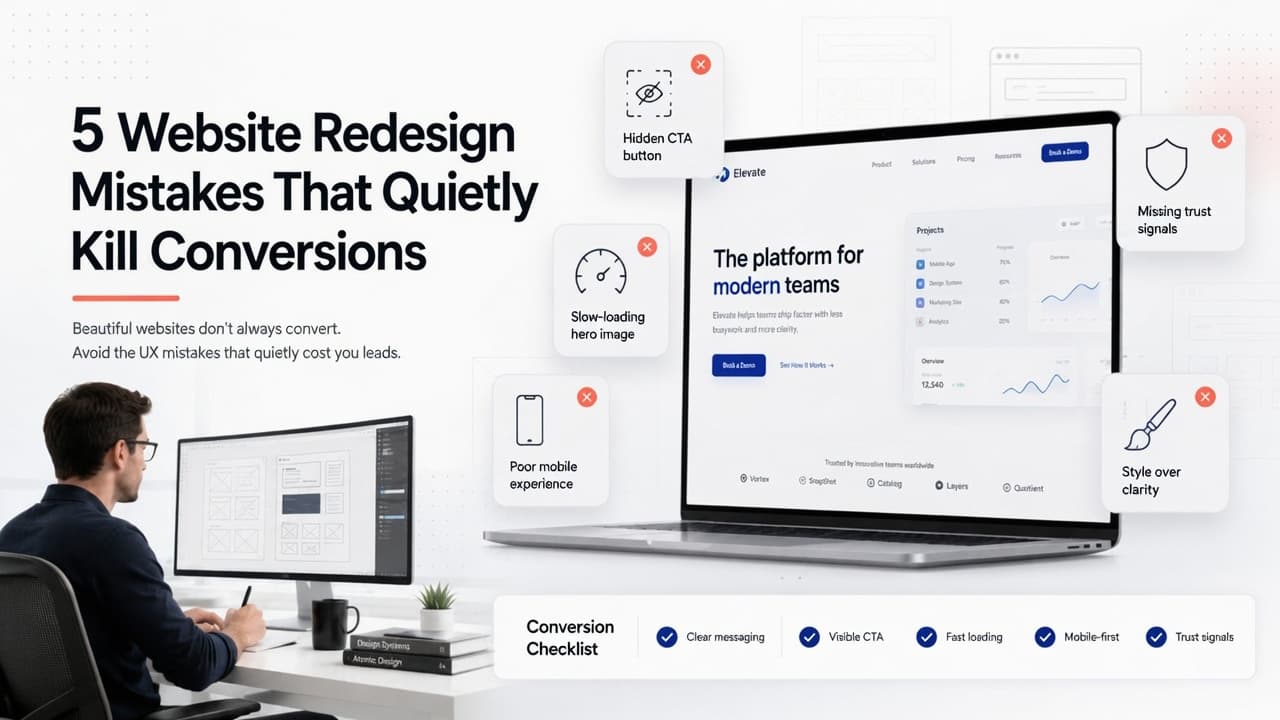
5 Website Redesign Mistakes That Quietly Kill Your Conversions
A redesign that looks better on launch day can still perform worse a month later, and most businesses don't find out why until leads start drying up. Here are the five mistakes that quietly do the damage, and what to check before you ship.