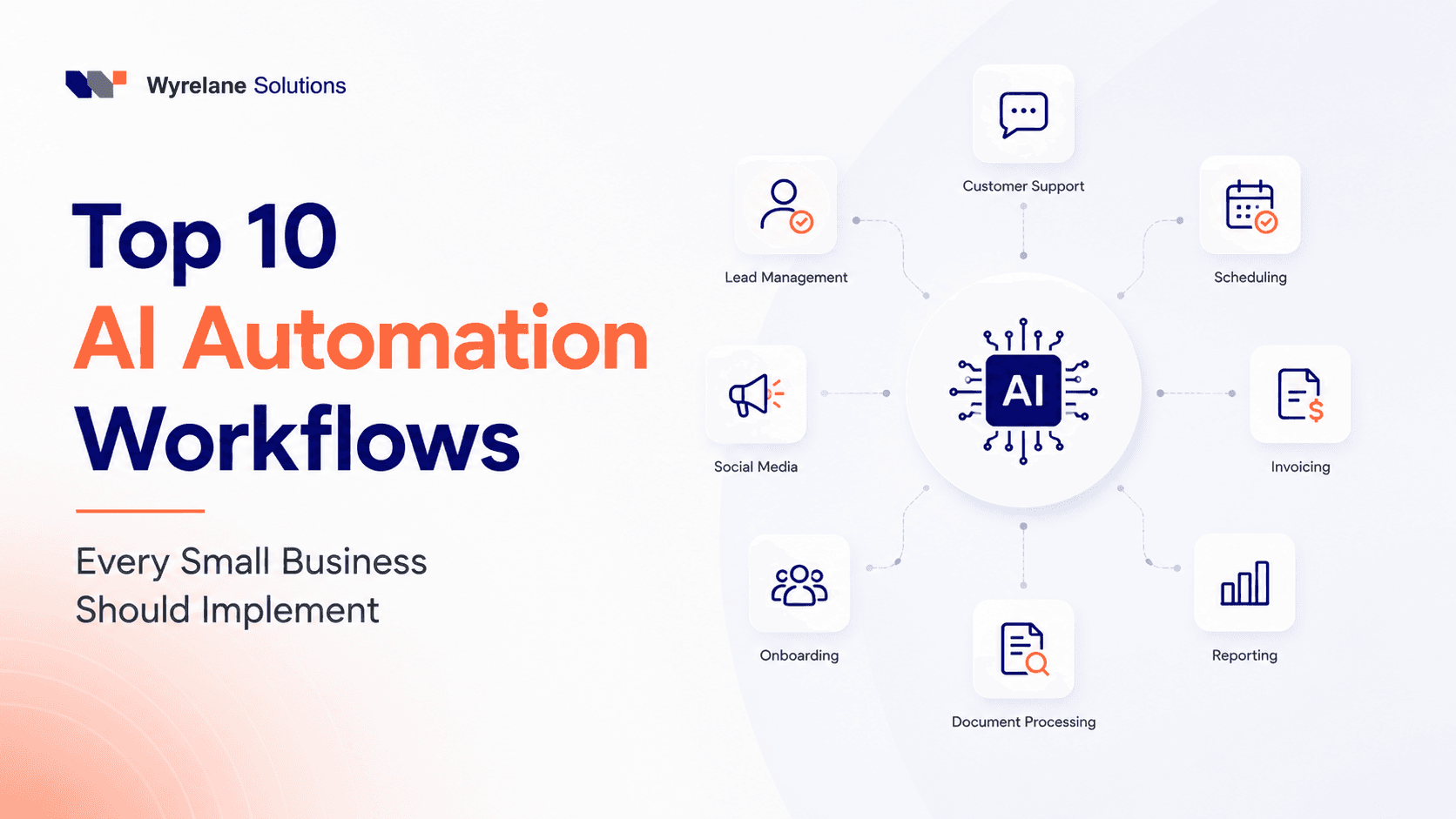
How AI Automation Saves Small Businesses 20+ Hours a Week (The Real Math)

How AI Automation Saves Small Businesses 20+ Hours a Week (The Real Math)
"AI can save your business hours every week" is one of those claims that's said so often it's started to sound like marketing noise. Which is a shame, because for a lot of small businesses, it's genuinely true; it's just rarely explained with actual numbers behind it.
So instead of another list of things AI "can" automate, let's do the math properly. Task by task, here's where the hours actually come from, and why 20+ hours a week isn't an exaggerated headline; it's closer to a conservative estimate for a business still doing most of this manually.
Why the Hours Add Up Faster Than People Expect
Running a small business means constantly switching between jobs that were never meant to be one person's responsibility. You're answering a customer question, then updating a spreadsheet, then chasing a quote you sent two weeks ago, then trying to find a meeting slot that works for everyone.
None of these tasks is individually hard. That's actually the problem, because they're easy, they get treated as "quick," and quick tasks are the ones that never make it onto anyone's list of things worth fixing. But quick tasks repeated fifteen times a day, five days a week, are exactly where the hours quietly disappear.
That's the gap AI automation is built to close, not the hard, judgment-heavy work, but the constant, repetitive stuff sitting underneath it.
Where the Time Actually Comes From
1. Responding to new leads
Slow response time is one of the most common and most fixable ways small businesses lose potential customers. If someone fills out a contact form and doesn't hear back for six hours, there's a decent chance they've already messaged a competitor.
An AI-driven response system can reply within seconds, answer the questions people usually ask first, gather the basic details you'd normally collect on a call, and book a discovery call automatically if the lead looks like a fit.
Weekly time saved: 5–7 hours, mostly recovered from constantly checking inboxes and social messages throughout the day.
2. Manual data entry
Copying the same information from an email into a CRM, then into a spreadsheet, then maybe into an invoicing tool, is the kind of task that feels small in the moment and enormous by Friday. It's also where duplicate records and typos tend to creep in.
Automated data transfer moves information between the tools you already use, form submissions into your CRM, sales into your accounting software, orders into inventory, without anyone touching copy and paste.
Weekly time saved: 4–6 hours, and noticeably more for businesses handling a high volume of daily inquiries.
3. Appointment scheduling
Anyone who's sent "does Tuesday at 2 pm work?" more than three times in a week knows exactly how much time scheduling quietly eats. AI scheduling tools check real calendar availability, offer open slots, confirm the booking, send reminders, and handle the inevitable reshuffling, without another email thread.
Weekly time saved: 3–5 hours, and this is often the single biggest win for consultants, agencies, and service-based businesses.
4. Weekly reporting
Pulling numbers from three or four different platforms just to build one report is a task that's tedious but rarely optional. Automated reporting collects the same data, sales, marketing performance, website traffic, and inquiries - and delivers a clean summary straight to your inbox or Slack, often before you've even sat down on Monday morning.
Weekly time saved: 2–4 hours, plus fewer version-control headaches from three different people editing the same spreadsheet.
5. Invoicing and payment follow-ups
Creating one invoice isn't hard. Creating, sending, and following up on invoices every single week, consistently, is where it becomes a real-time cost. Automated billing workflows generate invoices after work is completed, send them out, track payment status, follow up politely when something's overdue, and flag you the moment payment actually comes in.
Weekly time saved: 3–5 hours, with the added benefit of getting paid more consistently.
Adding It Up
Task | Weekly Time Saved |
|---|---|
Lead response | 5–7 hours |
Data entry | 4–6 hours |
Scheduling | 3–5 hours |
Reporting | 2–4 hours |
Invoicing | 3–5 hours |
Total | 17–27 hours |
Even landing at the low end of that range is more than two extra workdays a week, recovered without hiring anyone new. And that's just five processes; most small businesses have more repetitive tasks than that once they actually sit down and list them out.
Where to Actually Start
You don't need all five running at once, and honestly, trying to launch everything simultaneously usually just creates five half-finished automations instead of one that works well.
A simple way to prioritize:
List out the repetitive tasks your team does daily or weekly
Cross out anything that genuinely requires human judgment; automation isn't the answer there
Estimate how much time each remaining task takes per week
Automate the single biggest time cost first
Measure whether it actually saved time before adding the next one
The order matters less than actually measuring. Without a real before-and-after comparison, "we saved time" is just a feeling, not a number you can trust.
The Objections Worth Addressing Honestly
"It's too expensive." This was truer a few years ago. Most AI automation tools today cost meaningfully less than hiring additional administrative help, and many connect directly with software you're already paying for.
"It's too technical for us." Most of what's described above doesn't require rebuilding your existing workflow; it connects to the tools you already use rather than replacing them. Setup takes real effort, but it's rarely a full technical overhaul.
"AI will replace my team." For the tasks above, that's not really the goal or the outcome. The point is removing the repetitive layer so your team spends their time on customer relationships, sales conversations, and decisions that actually need a person, not disappearing into a spreadsheet.
Frequently Asked Questions
Is 20+ hours a week a realistic number for a small business? Yes, particularly for businesses currently handling lead response, scheduling, invoicing, data entry, and reporting manually. The estimate above is based on typical time costs for each task individually; automating even two or three of them often gets a business most of the way there.
Which task should a small business automate first? Whichever one currently takes the most time relative to how little judgment it requires. For most small businesses, that's either lead response or data entry, since both are high-frequency and low-complexity.
Do I need technical skills to set up AI automation? Not usually. Most modern automation tools are built to connect with existing business software, CRMs, calendars, and accounting tools without requiring custom development, though more complex workflows may benefit from professional setup.
How do I know if an automation is actually saving time? Track how long a task takes manually before automating it, then compare that against the time spent reviewing or managing the automated version afterward. Without that baseline, it's easy to overestimate or underestimate the actual impact.
The Bottom Line
Small businesses rarely struggle because they're short on good ideas. They struggle because too many hours quietly disappear into administrative work that nobody has time to fix precisely. After all, they're too busy doing it.
AI automation doesn't remove that work by magic; it removes it by handling the repetitive, rule-based parts consistently and quickly, in a way a human doing the same task fifteen times a day never quite can. Automate even two or three of the processes above, and 20 hours a week stops sounding like a marketing number and starts looking like a conservative one.
Ready to See Where Your Hours Are Actually Going?
Every business's biggest time drains look a little different. If you want to find out exactly where automation would save your team the most time, not a generic list, your actual workflows, our AI Automation team can help map it out and build the pieces that matter most first.
Get in touch, and we'll help you find the hours hiding in your week.